Digital Faith Formation
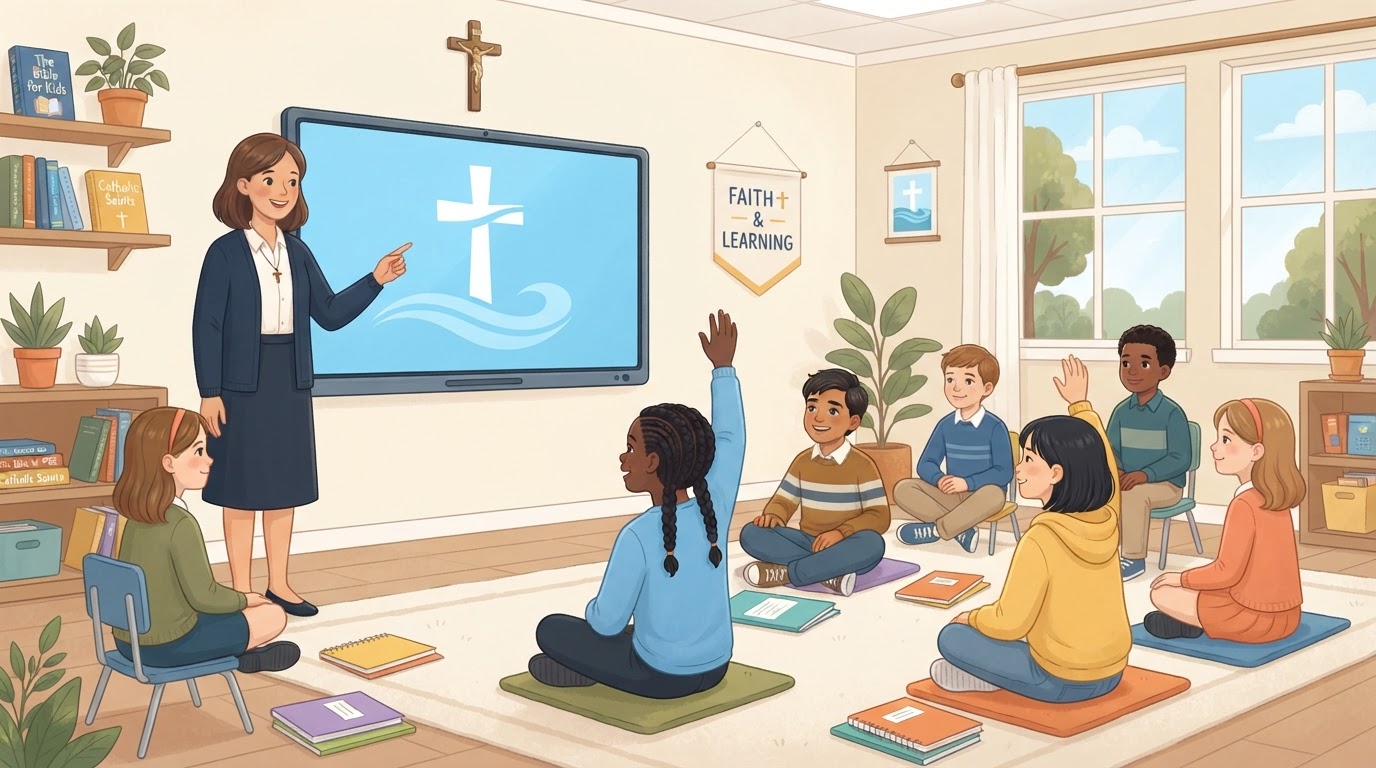
Interactive Catechist Presentations
Helping catechists make Catholic faith formation more visual, engaging, interactive, and easier to present in the classroom.
Designed for the Catechist
Teach the Faith. Guide the Conversation. Keep Students Engaged.
These interactive presentation guides are designed to support catechists during religious education classes by turning lesson concepts into classroom-friendly visual experiences. Each presentation can combine Scripture, Catholic teaching, discussion questions, vocabulary, prayer, activities, visual illustrations, interactive reviews, and presenter guidance.
The presentation supports the catechist. It does not replace the catechist, parish curriculum, textbook, or teacher resources.
Visual
Visual
Help students understand important concepts through age-appropriate visuals and illustrations.
Interactive
Interactive
Encourage participation through questions, activities, reveals, and classroom discussion.
Catechist-Guided
Catechist-Guided
Presenter controls and teaching prompts help the catechist guide the lesson instead of simply reading slides.
Presentation Library
Choose a Grade Level
For Faith Formation Leaders
A Presentation System That Can Grow With Your Program
The presentation library is designed as a reusable framework rather than a single lesson. Individual presentations can be developed for different grade levels, chapters, sacramental preparation programs, ministry training, retreats, and other faith-formation needs.
The same presentation framework can support consistent navigation, presenter tools, visual teaching aids, discussion prompts, prayer, activities, and lesson review.
Example Expansion
Future capability — additional grades and chapters can be developed on request.
- Grade 1Future
- Grade 2Future
- Grade 3Future
- Grade 4Future
- Grade 5→ Chapters 1, 2, 3, 4, 5 (Active)
- Grade 6Future
- Grade 7Future
- Grade 8Future
See How It Works
From Library to Classroom in Four Steps
Choose a Grade
Open the presentation library for a grade level.
Choose a Lesson
Select the chapter or topic for your class.
Start the Presentation
Launch a full or short classroom session.
Teach & Interact
Guide discussion, Scripture, prayer, and review.
The catechist controls the lesson while students focus on the presentation, discussion, Scripture, prayer, and activities.
About
Built to Support Catechists
Faith formation is built on relationships, conversation, prayer, Scripture, and the teaching of the Church. These digital presentation tools are designed to give catechists an additional visual resource for presenting lessons, asking questions, guiding discussion, and helping students connect Catholic teaching with everyday life.
They are intended to complement approved parish curriculum and catechist resources.
These digital presentation tools are designed to supplement parish religious education and catechist resources. They do not replace approved curriculum materials or parish guidance.
Digital Development
Need Something Similar for Your Ministry or Organization?
This presentation system demonstrates one way modern web technology can support education, communication, events, and ministry. GoLocalMaps Solutions develops custom websites, interactive presentations, landing pages, registration experiences, automation, and other digital solutions.